

aaronpentz
New member
In fusion go to the folder icon
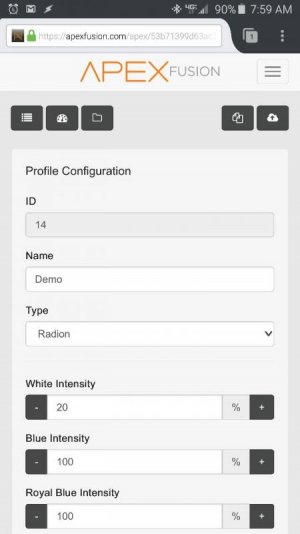

That's the profile tab where you set various things. Pick an unused one rename it something unique and set it to radion then adjust your colors. After that on the radion outlets at the bottom use the If Outlet Demo = ON Then Demo Profile
Adjust for your naming.
That's the profile tab where you set various things. Pick an unused one rename it something unique and set it to radion then adjust your colors. After that on the radion outlets at the bottom use the If Outlet Demo = ON Then Demo Profile
Adjust for your naming.


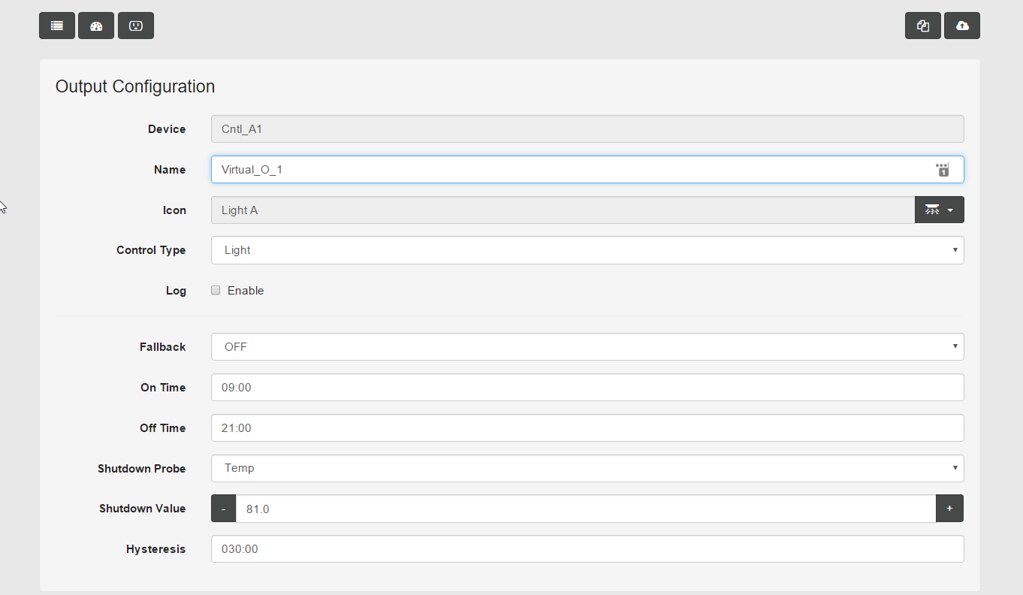
 Love it!

