dkeller_nc
New member
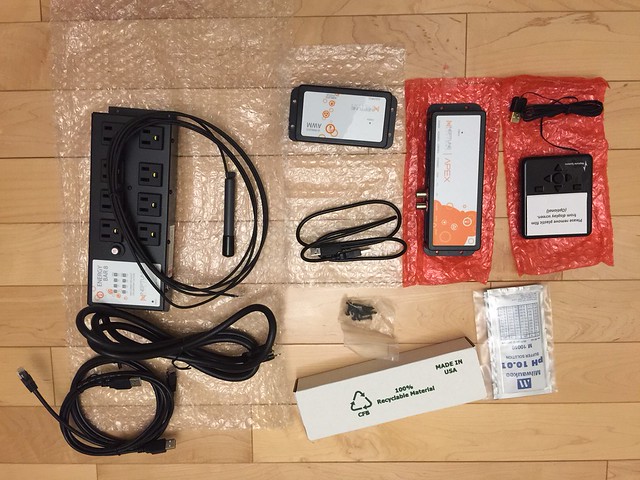
If you examine the EB8, you will see a sticker that denotes the outlet numbers (1, 2, etc... up to "8"). This is the physical mapping of these outlets to the program; if you look at the "outlet configuration" in the program interface, each outlet gets a code. On my unit, these codes are 4_1, 4_2, etc..., where "4" denotes the EB8 unit, and "_1, _2, etc..) denotes the physical outlet number.
Virtual outlets are similarly coded, but they'll have a different prefix. On my unit, I've several virtual outlets that are coded "3_1, 3_17, 3_6, etc...).
I'd recommend downloading and perusing the Apex Comprehensive Reference Manual found here. Also, I'd review the Apex Fusion Quickstart Guide - it details the use of Neptune's cloud-based software for configuring and accessing your controller over the 'net. Very handy to get e-mails/texts if something on your tank goes wrong (like the tank's temperature going out of a pre-configured range).
Virtual outlets are similarly coded, but they'll have a different prefix. On my unit, I've several virtual outlets that are coded "3_1, 3_17, 3_6, etc...).
I'd recommend downloading and perusing the Apex Comprehensive Reference Manual found here. Also, I'd review the Apex Fusion Quickstart Guide - it details the use of Neptune's cloud-based software for configuring and accessing your controller over the 'net. Very handy to get e-mails/texts if something on your tank goes wrong (like the tank's temperature going out of a pre-configured range).